








Can Smartphone Thermal Camera Detect PCB Leakage
Release Time 2026-06-24
Printed circuit boards (PCBs) are widely used in all kinds of electronic devices, from smartphones and laptops to industrial control systems and power equipment. If a PCB has leakage current issues, it may result in overheating, unstable operation, reduced efficiency, or even permanent damage to electronic components.
Many technicians and electronics enthusiasts now use smartphone thermal cameras for troubleshooting. But can smartphone thermal camera really detect PCB leakage?
The answer is yes. In many cases, it can help identify issues related to leakage, so understanding its capabilities is crucial.
What is PCB Leakage?
PCB leakage usually means the flow of electric current between conductors, components, or circuits where no current is intended to flow.
Common causes include:
l Moisture contamination
l Dust accumulation
l Insulation damage
l Corrosion
l Poor soldering
l Flux residue
l Degradation of electronic parts
Leakage current typically generates heat, as electrical energy is dissipated in unintended areas. The detectability of leakage current depends on the amount of power dissipated. Extremely low leakage currents may not generate sufficient heat for thermal imaging detection.
This rise in temperature presents an opportunity for thermal imaging inspection.
How Smartphone Thermal Cameras Works
Thermal cameras for smartphone use infrared detectors to detect the heat emitted by objects.
Instead of directly measuring electrical signals, they display temperature differences in the form of thermal images.
When PCB leakage causes abnormal heating, a thermal imaging camera may reveal:
l Localized hotspots
l Uneven temperature distribution
l Overheating components
l Abnormal heat conduction paths
This makes smartphone thermal camera a useful first step in PCB troubleshooting.
Detecting Current Leakage via Abnormal Heat
Smartphone thermal camera cannot directly visualize the leakage current itself.
However, the heat produced by the leakage can usually be detected.
For instance, if contamination on a PCB creates a leakage path between conductors, the temperature of the affected area may be slightly higher than that of surrounding components.
Smartphone thermal camera can help technicians quickly identify suspicious areas requiring further inspection.
This method is particularly useful for inspecting the following types of equipment:
l Power boards
l Industrial control boards
l Consumer electronics
l Battery management systems
l Automotive electronics
Identifying Overheating Components
Many PCB leakage issues ultimately result in certain components operating at temperatures above normal levels.
Thermal imaging technology helps locate the following components:
l Voltage regulators
l Capacitors
l IC chips
l MOSFETs
l Power transistors
l Connectors
An abnormally high operating temperature in a component may indicate excessive current or an insulation problem.
Instead of testing every component individually, technicians can focus their efforts on inspecting the areas with the highest temperatures.
Benefits of Using Smartphone Thermal Cameras
Portable thermal cameras for smartphones offer several benefits for PCB diagnostics:
Rapid Detection
Large circuit boards can be scanned within seconds.
Non-contact Inspection
No physical contact with live circuits is required.
Simplified Troubleshooting
Thermal images quickly reveal temperature anomalies.
Portability and Convenience
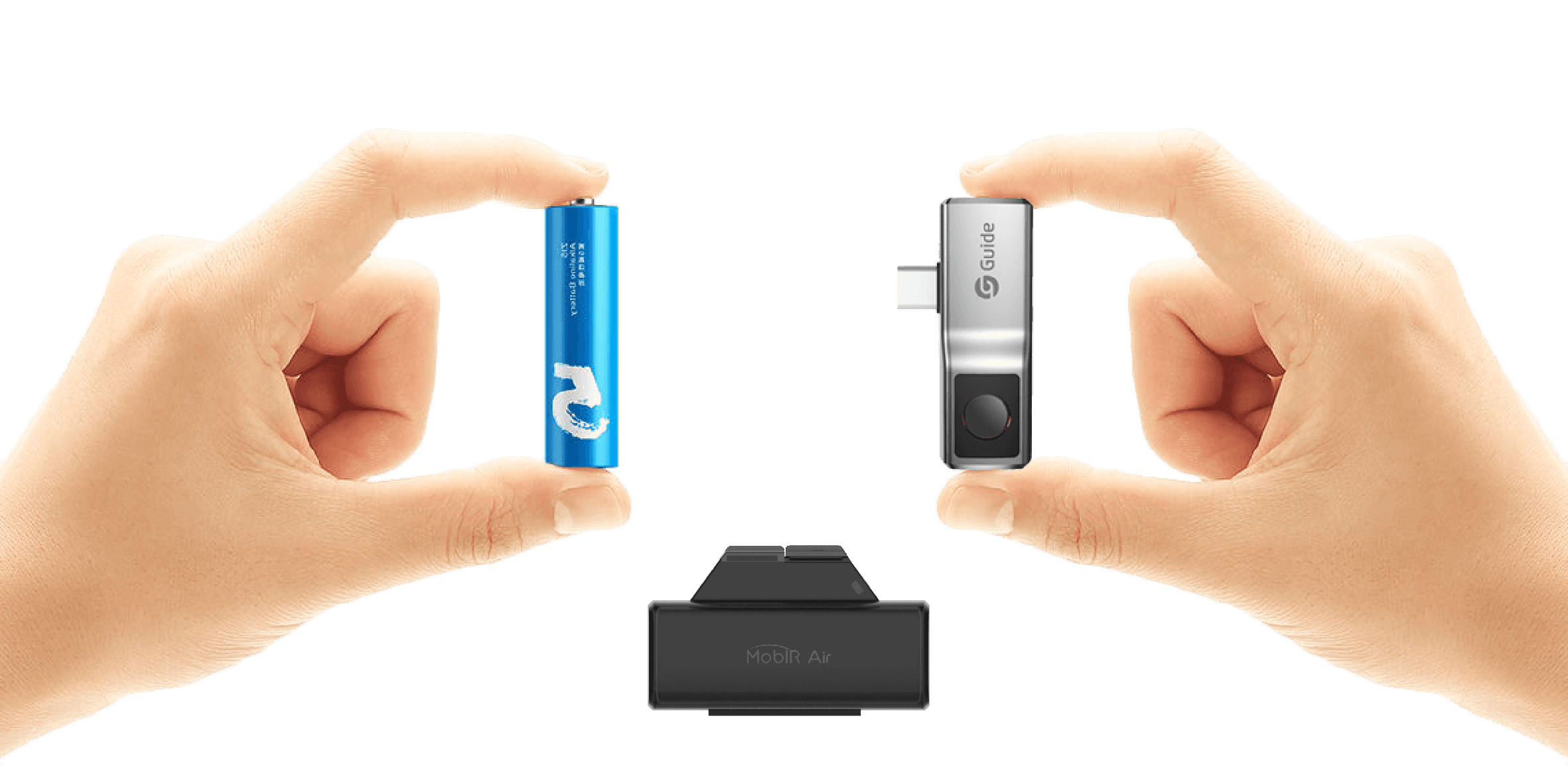
Engineers can carry the device with them for on-site repairs.
These advantages have led to the increasing popularity of smartphone thermal camera in the field of electronic device repair.
When Smartphone Thermal Cameras May Not Detect Leakage
Not all PCB leakage issues generate enough heat to be visible to the naked eyes.
Low-level leakage currents may:
l Cause only a minute rise in temperature
l Occur within the layers of a multilayer board
l Be hidden beneath components
l Fall below the thermal sensitivity threshold of the thermal imaging camera
In such cases, other testing tools may be needed.
Common auxiliary tools include:
l Multimeter
l Insulation resistance tester
l Oscilloscope
l Current probe
Thermal imaging should be considered as a diagnostic aid rather than a complete replacement for electrical measurements.
Why Thermal Resolution Is Crucial
Thermal imaging detail is vital when inspecting PCBs.
High-resolution smartphone thermal cameras provide clearer visibility of:
l Tiny electronic components
l Fine circuit traces
l Minute hot spots
l Temperature differences between adjacent components
High-resolution smartphone thermal cameras combined with low NETD values can reveal subtle temperature variations, improving fault localization accuracy during PCB inspection.
In PCB inspection, image quality significantly impacts diagnostic accuracy.
Best Practices for PCB Thermal Imaging Inspection
To achieve optimal inspection results:
l Power the PCB under normal operating conditions
l Compare the suspected faulty board with a known good board
l Inspect both the top and bottom sides of the PCB
l Allow the board to reach a stable operating temperature
l Utilize high thermal sensitivity settings whenever conditions permit
Following these practices helps identify abnormal heat patterns more effectively.
Conclusion
Can smartphone thermal camera detect PCB leakage? In many cases, the answer is yes. Although thermal imaging cameras cannot directly visualize leakage current, they can detect the heat produced by leakage faults.
By identifying hotspots, overheating components, and abnormal temperature distributions, smartphone thermal imaging cameras used for PCB inspection help technicians detect potential issues more quickly, thereby reducing troubleshooting time. For optimal results, thermal imaging technology should be combined with traditional electrical testing methods to accurately confirm and resolve PCB leakage issues.


.svg)
.svg)