








What to Look for When Choosing a Thermal Camera for Smartphone
Release Time 2026-01-05
Smartphone thermal cameras are becoming a practical tool for everyday inspection work. Many homeowners, technicians, and maintenance teams now rely on them for tasks such as inspecting insulation, identifying electrical faults, or troubleshooting HVAC systems.
However, not all smartphone thermal cameras perform the same. While specifications may look similar on paper, actual performance often differs. This guide will explain, in clear and easy-to-understand language, what you should focus on when choosing a thermal camera for your smartphone.
Thermal Resolution
Thermal resolution directly affects the level of detail you can see in a thermal image. Higher resolution results in clearer temperature distribution and object outlines.
Resolutions of 80×60 pixels or 120×90 pixels may be suitable for rough inspections, but they often miss small defect areas. A thermal image resolution of 256×192 pixels enhances the ability of detection and is now considered a reliable standard for serious inspection work.
With a resolution of 256×192 pixels, you can:
Detect smaller hot or cold spots
Distinguish object boundaries more clearly
Make more reliable detection judgments
If your budget allows, choosing a 256×192 resolution is a practical long-term investment, not an unnecessary upgrade.
Temperature Range and Measurement Accuracy
The temperature range defines the lowest and highest temperatures that the camera can measure. For most thermal cameras for smartphones, a temperature range of -20°C to 400°C is sufficient for common applications.
Accuracy matters much more than an extremely wide temperature range. When choosing a thermal imaging camera, consider the following:
Accuracy of ±2°C or ±2%
Stable readings during continuous use
Accurate temperature data is crucial when inspecting electrical connections, heating systems, or mechanical components.
Smartphone Compatibility and Connection Types
Not all thermal cameras work well with all smartphones. Compatibility problems are one of the most common reasons for customer complaints.
Before buying, please confirm:
Operating system support (Android or iOS)
Connector type (USB-C, Lightning, or Wi-Fi)
Supported phone models and versions
Direct plug-in technology allows faster response times and more stable data transfer, while wireless connections provide flexibility for use across multiple devices.
Software and Application Features
The hardware of the camera is only part of the system; the application determines how effectively you can use the device.
A reliable thermal imaging camera application should include the following features:
Clear real-time temperature display
Multiple color palettes
Image acquisition and heat data storage
Point, line, and area temperature measurement
Adjustable temperature alarms
Avoid purchasing products with poorly maintained applications, as outdated software may limit hardware performance.
Refresh Rate: Image Stability in Practical Use
Refresh rate refers to the number of times the thermal image is updated per second.
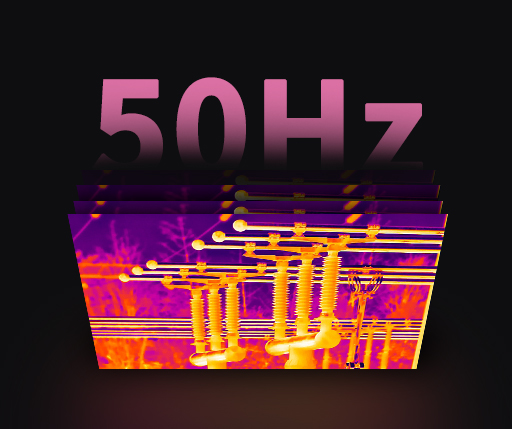
Most thermal cameras for smartphones range in refresh rate between 8Hz and 25Hz. For static inspections of objects like walls or electrical panels, an 8Hz refresh rate is acceptable. However, for scanning equipment or moving across large areas, a higher refresh rate provides smoother image transitions and a better user experience.
Please select the suitable refresh rate based on the dynamic nature of your inspection work.
Size, Weight, and Portability
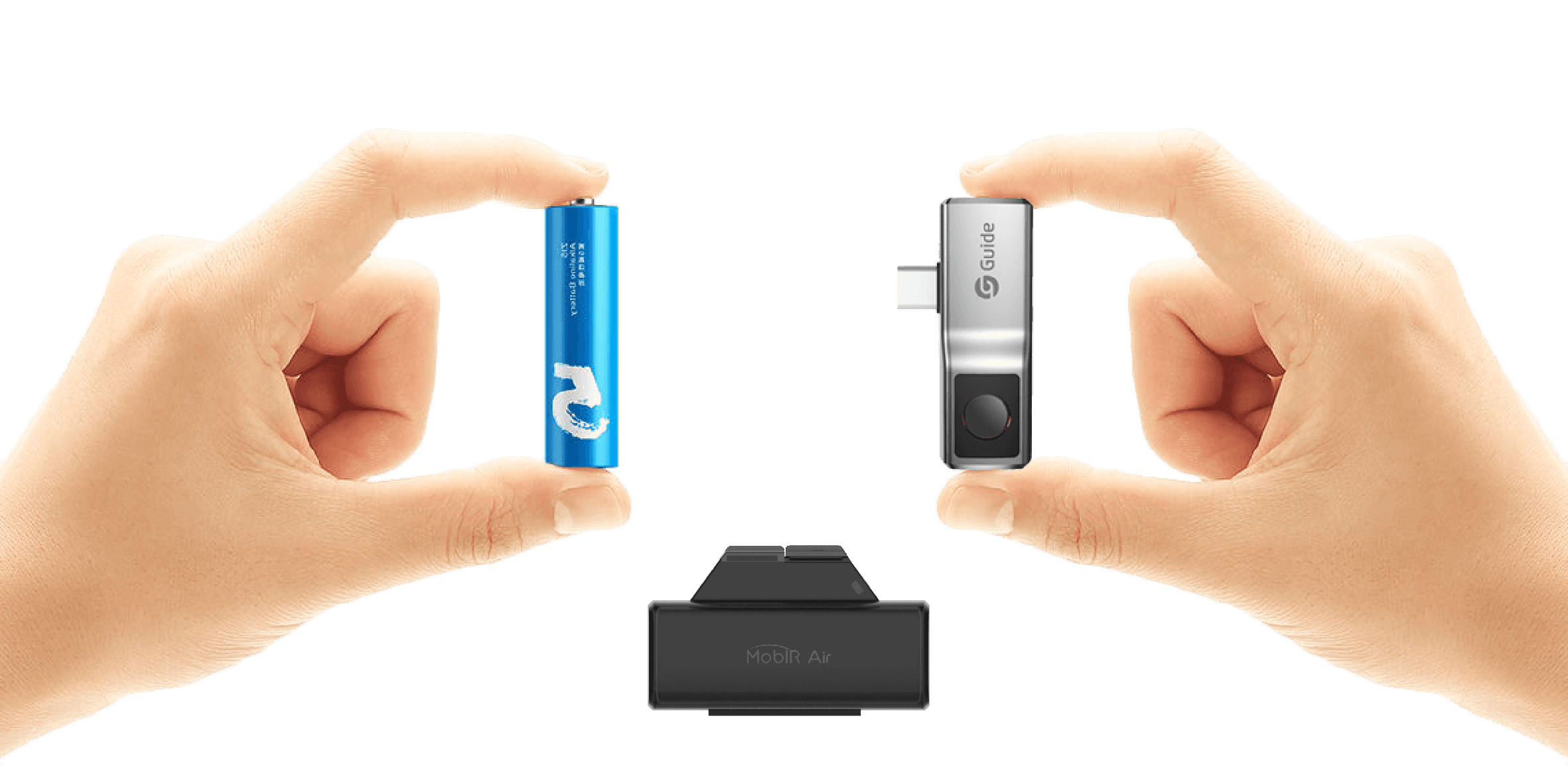
One of the major advantages of mobile phone infrared thermal cameras is their portability. The compact design allows for frequent use and quick inspections.
Key points to check:
Lightweight design
Takes up minimal space when installed on a phone
Lens protection cover
If the device is inconvenient to carry, users are less likely to use it frequently.
Build Quality and Reliability
Thermal cameras are often used in work environments where drops, dust, or moisture are possible.
A well-designed thermal imaging camera should possess the following characteristics:
Durable casing material
Resistance to minor impacts
Basic dust- and splash-proof abilities
Durability directly affects the lifespan of the device, especially for users who use the camera daily.
Power and Battery Considerations
Mobile phone infrared thermal cameras are either powered by the phone or have a built-in battery.
Each option has its advantages:
Phone-Powered: Lighter and requires no separate charging
Built-in battery: Reduces phone power consumption
For extended inspection work, power efficiency is an important consideration.
Price and Practical Value
Prices vary considerably, but a higher price doesn't always mean better performance or that it will better meet your needs.
Please consider the following factors:
Do you really need the advanced features?
How often will you use the camera?
Software updates and long-term support
Common Application Scenarios
Understanding your primary use case will help you choose the right model:
Home insulation and energy audits
Electrical system inspections
HVAC troubleshooting
Vehicle diagnostics
Equipment maintenance
Different tasks require different functionalities, so choosing a camera suitable for your specific application is crucial.
Conclusion
Choosing a thermal camera for your smartphone doesn't require extensive technical expertise. Instead of focusing on marketing claims, prioritize thermal resolution, measurement accuracy, smartphone compatibility, and software reliability.
A good smartphone thermal camera should be easy to use, reliable, and suitable for everyday inspection tasks. When chosen correctly, it will become a practical tool that provides lasting value. Guide Sensmart is a manufacturer of thermal imagers, and we look forward to collaborating with you.


.svg)
.svg)